
Managed Hardware Services and Solutions
Managed hardware services and solutions help your organisation choose, configure and maintain equipment that actually supports daily work. Cloud Central supplies business-grade devices, networking equipment, servers and office hardware, then connects them with secure setup and practical lifecycle planning. The aim is simple but important. Stop reactive buying. Reduce device frustration.
Give people the latest hardware where it matters, not where it wastes budget. With managed hardware solutions built around business needs, your setup stays reliable and secure while every purchase becomes clearer, easier to support and better aligned across teams, budgets and future requirements.
Book a Managed Hardware CallWhat You Get With Managed Hardware Support
With managed hardware support, you get control over the equipment people rely on every day. Cloud Central reviews hardware needs, user roles, workloads, office locations and use cases before recommending devices. Workstations, networks, communication systems, security hardware and office equipment are considered as one environment, not scattered purchases.
Better planning improves efficiency. It also protects the workflow around sales, finance, operations and customer service, so hardware helps people move faster instead of slowing them during busy periods or urgent customer requests across the company, with fewer avoidable interruptions and clearer ownership across teams each day.
1. Reliable Business Computing
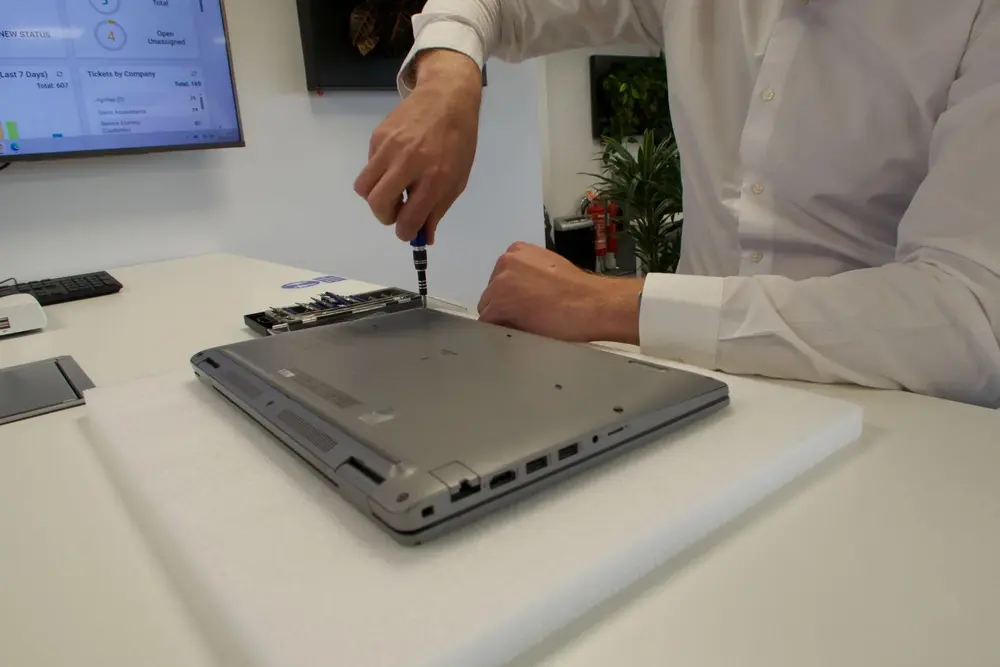
The right laptops and desktops should match the job, not force staff to work around slow consumer machines. Cloud Central helps select business-grade computers for office, remote and hybrid users, then prepares each end-user setup before handover. Applications, access, updates and security are considered early. The result is a cost-effective workstation environment where staff spend less time waiting, rebooting or raising avoidable support requests during normal working days each week.
2. Stable Network Infrastructure
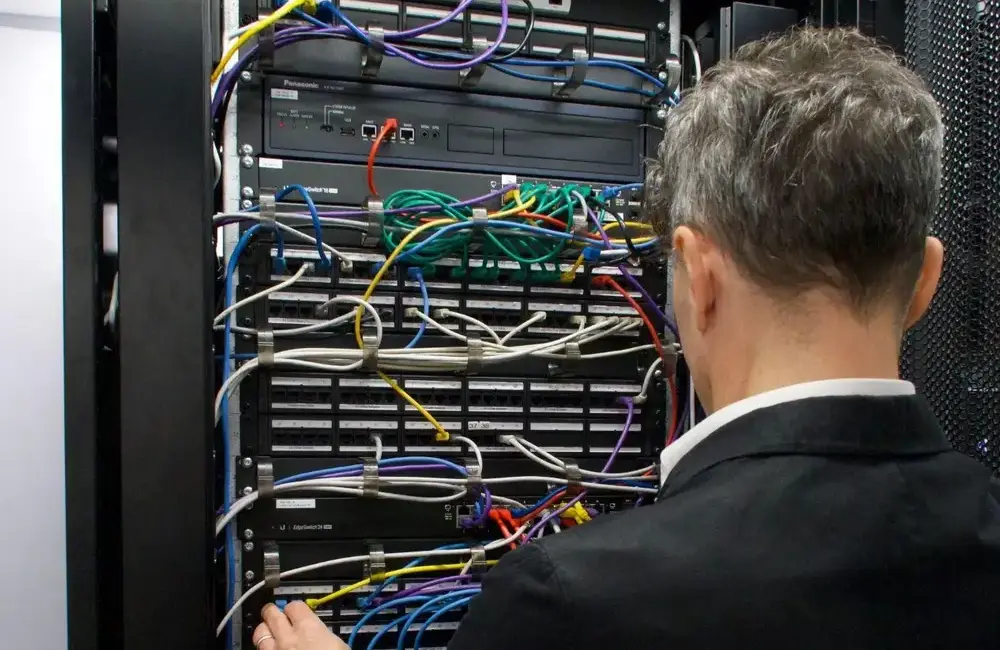
Your network gives every team a foundation for cloud access, communication and everyday work. Cloud Central supports switches, routers, firewalls, access points and connectivity equipment that suit critical systems and future growth. The goal is not just faster internet. It is a secure infrastructure that handles real traffic, separates risk where needed and keeps offices connected. Planned networks reduce small faults becoming operational problems during busy trading periods and growth.
3. Connected Communication Systems
Staff need systems that make speaking, sharing and responding easier. Cloud Central can support telephony, VoIP, collaboration tools, headsets and communication equipment that help teams stay connected. Good service delivery depends on more than software. Calls need quality. Teams need consistency. Customers need confidence. When communication hardware is selected and supported properly, the business looks sharper and works with less daily noise across departments, locations and customer interactions daily.
4. Security-Ready Hardware
Protection should be built into the workplace before problems start. Cloud Central considers firewalls, secure endpoints, device controls and network hardware as part of the wider managed security picture. This supports data protection from the first day a device is used, not after something goes wrong. Encryption, patching, access rules and lost-device protection all matter, because stronger hardware choices make security practical for users, sites and daily operations safely.
Our Managed Hardware Services
Our managed hardware services cover the full path from advice to ongoing support. Cloud Central can source equipment, configure it securely, deploy it cleanly and keep it visible through maintenance and refresh planning. These management services are practical, not complicated. You get a single service desk route, a clear point of contact and a fully managed process where hardware decisions connect with security, cloud access, backup and user efficiency. The result is less chasing, fewer ownership gaps and better control across the device estate from first request to final replacement across every location and team.
Hardware Procurement and Specification
- Business-grade laptops, desktops, servers and networking equipment
- Hardware recommendations based on user roles, workloads and budgets
- Compatibility checks with Microsoft 365, cloud systems, security tools and existing infrastructure
- Vendor, warranty and support considerations
- Guidance to avoid over-specifying or under-specifying equipment
- Procurement support for office, remote and hybrid working environments
Managed Laptops and Desktops
- Business laptops and desktops for office, remote and hybrid teams
- Secure configuration before deployment
- User profile and access setup
- Microsoft 365 and productivity application setup
- Endpoint protection, patching and update management
- Device replacement and refresh planning
- Support for monitors, docking stations and workstation accessories where required
Infrastructure and Local System Support
- Infrastructure review and upgrade planning
- Support for local workloads and business-critical systems
- Hardware considerations for backup, virtualisation and hybrid cloud environments
- Storage and backup device considerations
- Monitoring, maintenance and technical support
- Guidance on when cloud, hybrid or local infrastructure is the right fit
Network Hardware and Connectivity Equipment
- Firewalls, switches, routers, access points and network appliances
- Hardware that supports reliable office connectivity
- Secure Wi-Fi and network segmentation
- Remote access and hybrid working considerations
- Connectivity hardware for growing offices and multi-site environments
- Monitoring, maintenance and proactive support
Peripheral and Office Hardware Management
- Monitors, docking stations, headsets and workstation accessories
- Standardised equipment across teams and departments
- Reduced ad hoc hardware purchasing
- Improved user experience and day-to-day productivity
- Support for office setups, desk moves and new starters
- Peripheral replacement planning and warranty coordination
Flexible Hardware Procurement and Refresh Planning
- Predictable budgeting for IT equipment
- Planned hardware refresh cycles
- Support and warranty alignment
- Flexible procurement for growing teams or new locations
- Procurement planning for device upgrades, office moves and expansion
Why Choose Cloud Central for Managed Hardware Services?
Cloud Central helps businesses make smarter hardware decisions by joining procurement, secure configuration, managed IT support and lifecycle planning. It is not just supply and delivery. As a managed service provider, Cloud Central considers how each device affects output, security, cloud access, backup requirements and long-term growth.
For any business comparing an MSP, the difference should be practical value. The service provided must reduce confusion, protect users and make hardware easier to plan, support and replace as the company changes across locations, teams and future operating requirements without unnecessary purchasing pressure or rushed decisions later.
Hardware Advice Backed by Real IT Support Experience
Good advice works best when it starts with how the business actually operates. Cloud Central looks at user roles, workloads, existing systems, security requirements and future growth before recommending equipment. This kind of consultancy helps avoid devices that are too weak, too expensive or awkward to support. It also connects purchasing decisions with business goals, so every recommendation has a clear reason behind it from the beginning for each team.
Security-Focused Configuration
Hardware should be secured before it reaches the user. Cloud Central can apply endpoint protection, patching, access controls, encryption, secure Microsoft 365 setup and lost-device protection where relevant. Configuration follows industry best practices, not last-minute guesswork. A device used for client files, finance work or remote access must be protected from day one, before risky habits are created across departments and sensitive daily work that should stay protected from misuse.
Reduced Downtime and Better Productivity
Slow, unreliable or outdated hardware damages productivity quietly. Staff wait for systems. Calls drop without warning. Files lag at the wrong time. Small issues become bigger interruptions. Cloud Central helps plan replacements, standardise devices and reduce disruption through proactive monitoring and better refresh timing. Internal teams also gain clearer visibility, instead of fighting the same recurring faults. The result is fewer avoidable delays and steadier workdays for everyone involved daily.
Support Beyond the Purchase
After delivery, hardware still needs clear ownership. Cloud Central continues with setup, troubleshooting, maintenance, warranty coordination and replacement planning. Support services can include regular reviews, fault tracking and practical guidance when a device starts affecting performance. You also get expert support when decisions are needed quickly. That continuity removes guesswork and keeps responsibility clearer after the box has been opened by users across the company during busy weeks and changes.
Cloud, Backup and Infrastructure Awareness
Hardware decisions should support the wider IT environment, not sit outside it. Cloud Central considers Microsoft 365, cloud systems, local servers, backup, disaster recovery and business continuity planning. Critical services need the right devices behind them. Infrastructure management also matters when software as a service platforms, local applications and technology solutions must work together. Better choices protect access, recovery and operational confidence across every site and user during change safely.
Scalable Hardware Planning for Growing Businesses
Growing businesses need hardware planning that keeps pace. Cloud Central can support new starters, expanding teams, office moves, hybrid working and future locations without constant reactive buying. Scalability depends on standards, timing and organisational visibility. It also needs flexibility and agility when priorities shift. Devices, accessories, warranties and budgets can then be planned earlier, with fewer surprises when the next stage arrives across teams, sites and budgets over time securely.
Practical Guidance for UK Businesses
Clear direction for UK businesses means practical advice without unnecessary complexity. Cloud Central can help businesses of any size understand what to purchase, when to replace it and when to outsource specialist tasks. Different levels of service can be discussed, from light support to deeper lifecycle control. That makes Cloud Central a trusted partner while leaders focus on core business activities instead of device problems across every department and location.
Managed Hardware Lifecycle Process
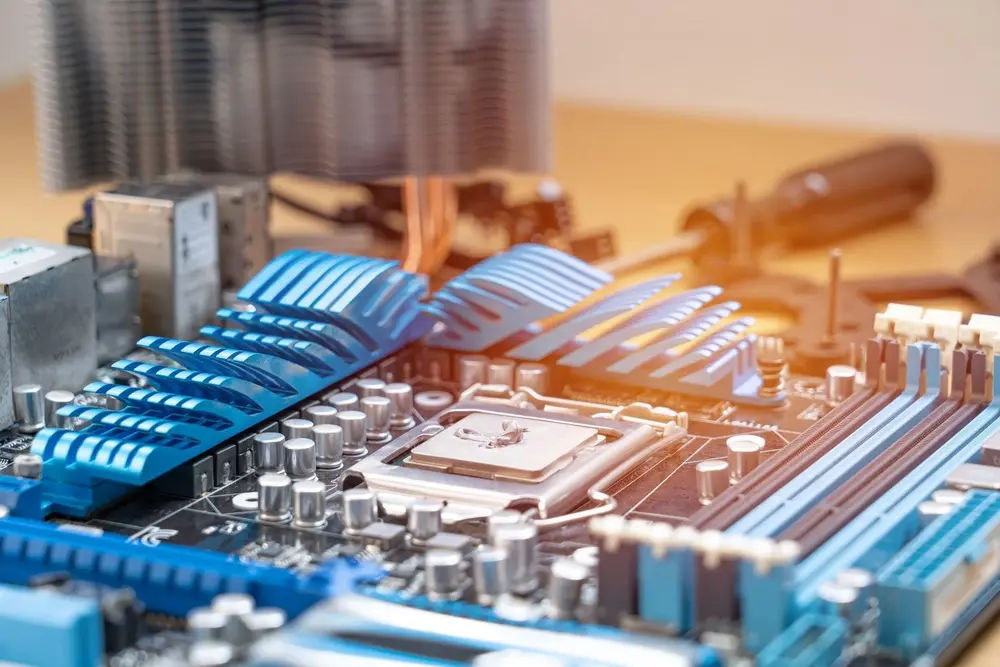
The managed hardware lifecycle process gives businesses a calmer way to control equipment from planning to retirement. Cloud Central reviews what is already in place, recommends suitable hardware, configures devices securely and supports deployment across office, remote and hybrid users. The process does not stop once devices arrive. Asset records, warranties, performance issues and refresh dates stay visible.
Proactive maintenance helps reduce avoidable failures, while retirement planning protects data and keeps future purchasing more organised across teams, locations and budgets before pressure builds and replacement choices become clearer over time.
Plan
- Review existing hardware, warranties and performance issues
- Understand user roles, workloads and business priorities
- Identify security, compatibility and replacement requirements
Procure
- Recommend suitable business-grade hardware
- Compare upfront purchase and flexible procurement options
- Align equipment choices with budget, support and warranty needs
Configure
- Set up devices before they reach users
- Apply security settings, access controls and endpoint protection
- Prepare Microsoft 365, cloud access and required applications
Deploy
- Roll out hardware with minimal business disruption
- Support office, remote and hybrid users
- Assist with user setup, handover and initial troubleshooting
Support
- Provide ongoing technical support and maintenance
- Monitor performance, faults and user issues
- Coordinate warranty claims and replacement needs
Refresh or Retire
- Plan replacements before hardware becomes unreliable or unsupported
- Securely remove business data from retired devices
- Update asset records and support future hardware planning
Why Poor Hardware Management Holds Businesses Back
Poor hardware management holds businesses back when equipment is bought reactively, from different suppliers, without central ownership. One person orders a laptop. Another chooses a printer. A server is replaced only when it fails. Soon, warranties are scattered, standards disappear and support becomes harder than it should be.
The cost is not only financial. Staff lose time. Security gaps appear. Leaders lose visibility. Without lifecycle planning, hardware becomes a collection of urgent fixes rather than a controlled business asset with clear accountability and timing for every department as the business grows without proper structure internally.
Devices Are Bought Reactively
Devices are often bought only when something breaks. That creates pressure immediately. Someone needs a replacement today, not next month. The business then accepts whatever is available, whether it fits or not. Rushed purchasing can cause service interruption, higher costs and poor compatibility. Planned replacement is steadier. It gives teams time to compare options, configure properly and avoid decisions made during a failure that affects the whole team under avoidable pressure.
Hardware Is Not Properly Specified
Specification fails when price becomes the main filter. A cheaper laptop may struggle with design software, large spreadsheets, video calls or security tools. A server may lack the capacity needed for backup or growth. The issue appears later, when users complain or systems lag. Better specification matches the device to the workload, the role and the risk profile before the purchase is approved with enough context for the team involved.
Support Becomes Fragmented
Different suppliers make support harder to control. Laptops go one way. Printers go another. Networking problems sit somewhere else. Some MSPs can also leave hardware outside their normal process, which creates delays. Central planning gives the business one clearer view of ownership, responsibility and replacement timing, instead of chasing separate contacts whenever something stops working across ordinary working days during normal operations, pressure periods and urgent faults that matter most.
Security Is Added Too Late
Late security creates risk when devices are handed to users before controls are applied. That starts from the first login. Updates may be missing. Access may be too open. Encryption may not be enabled. Cloud Central helps businesses build security into configuration before everyday work begins, so people can use devices confidently without leaving obvious gaps behind them across daily operations, remote access and sensitive work from the beginning securely.
No One Tracks the Hardware Lifecycle
Missing asset records make lifecycle control almost impossible. That makes it harder to see device age, warranty status, ownership, performance and planned replacement dates. Leaders then discover problems only when users complain or equipment fails. Lifecycle tracking improves visibility. It also helps budgets, reduces surprise purchases and makes device decisions more deliberate across the business instead of emergency replacement requests across all locations, teams and future planning cycles over time.
Hardware That Works With Your Wider IT Environment
Hardware that works with your wider IT environment gives the business stronger control across cloud, security, backup and recovery. Cloud Central connects device planning with Microsoft 365 access, cybersecurity, cloud platforms, local servers, backup and disaster recovery. Remote and hybrid workers need equipment that performs outside the office as well.
When hardware is aligned with the wider environment, daily work becomes smoother and business continuity planning becomes more realistic for leaders, users and customers who rely on stable systems during normal operations, disruption and future expansion across departments confidently.
- Microsoft 365 and Cloud-Ready Devices
- Security Built Into Every Device
- Backup and Disaster Recovery Considerations
- Remote and Hybrid Working Support
FAQs
How do managed hardware services reduce costs?
Managed hardware services reduce costs by moving spend away from sudden capital purchases towards planned monthly budgeting. Maintenance, warranties, support and replacement planning are handled together, which lowers the cost of ownership over time. Better specifications also improve value for money because devices are bought for real workloads, not guesswork.
Can managed hardware help reduce IT downtime?
Yes, managed hardware can help reduce this issue because devices are monitored, maintained and replaced before small issues become outages. Slow laptops, failing network equipment and unsupported servers create avoidable disruption. With clearer planning and technical support, businesses can avoid rushed repairs and keep people working with fewer interruptions daily overall.
Do we need to replace all our hardware at once?
No, most businesses do not need to replace all hardware at once. A staged plan is usually better. Cloud Central can review device age, warranty status, performance, risk and budget, then prioritise what should change first. Equipment can be refreshed in phases without disrupting the whole business at once safely.
What happens to old hardware devices when they are replaced?
Old hardware should be handled carefully. Some devices can be reused as backups, refurbished, donated or recycled for materials. Before anything leaves the business, data should be securely removed and asset records updated. In the UK, electronic waste should follow appropriate WEEE disposal routes where relevant and properly documented too.